How Do I Communicate With a Pandit After Booking?
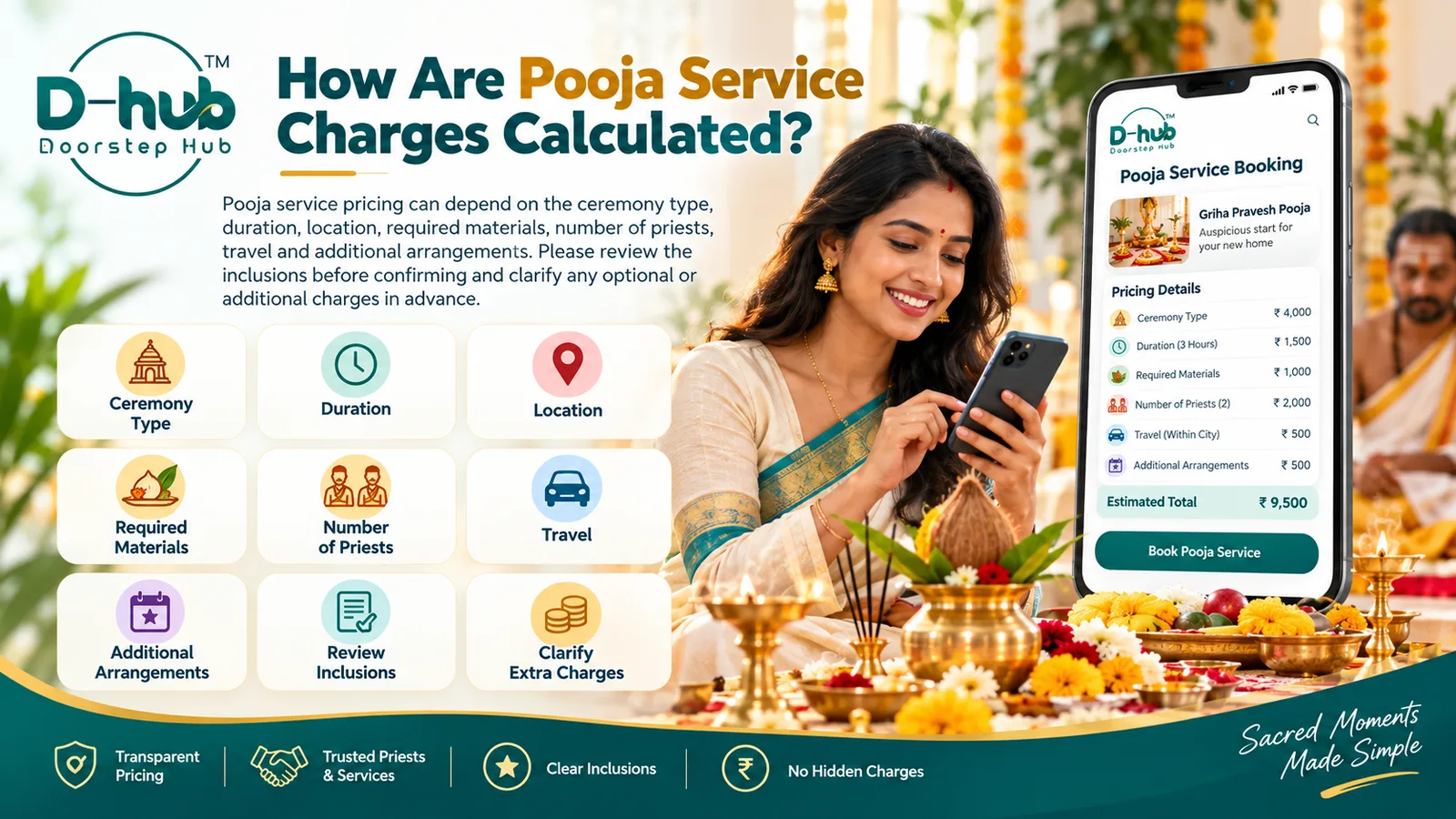
Clear communication after booking can help make a pooja or religious service easier to organize. Important details such as ceremony requirements, timing, location, materials, and additional arrangements should be clarified before the scheduled service.
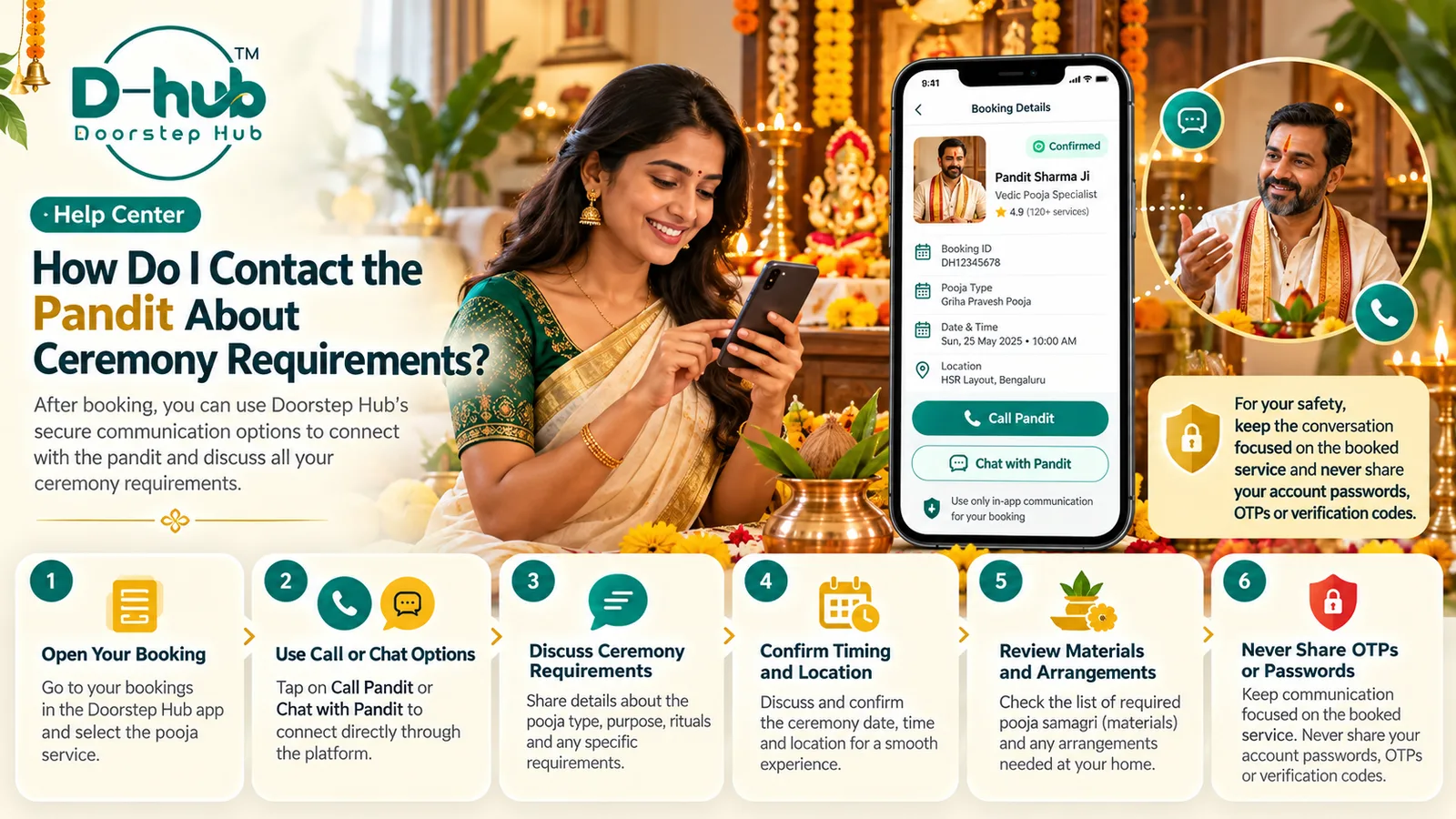
When using Doorstep Hub, use the available platform communication options after booking where supported and keep the conversation focused on the ceremony you booked.
1. Open Your Pooja Booking
Sign in to your Doorstep Hub account and open the relevant pooja or religious service booking.
Review details such as:
- Ceremony type
- Pandit or provider
- Booking date
- Scheduled time
- Service location
- Package
- Service inclusions
- Booking status
This helps you confirm that you are discussing the correct booking.
2. Use Doorstep Hub Communication Options
Where available, use the contact or messaging options provided through your booking.
These options can be useful for discussing:
- Ceremony timing
- Property or venue location
- Required materials
- Traditional requirements
- Participant arrangements
- Provider arrival details
- Other booking-related information
Keeping communication connected to the booking can make important details easier to track.
3. Confirm the Ceremony Type
Before discussing additional arrangements, confirm the exact pooja or ceremony you booked.
This may include services such as:
- Griha Pravesh
- Satyanarayana Pooja
- Ganapathi Pooja
- Lakshmi Pooja
- Navagraha Pooja
- Festival pooja
- Naming ceremony
- Other supported religious services
Make sure both you and the Pandit are referring to the same ceremony.
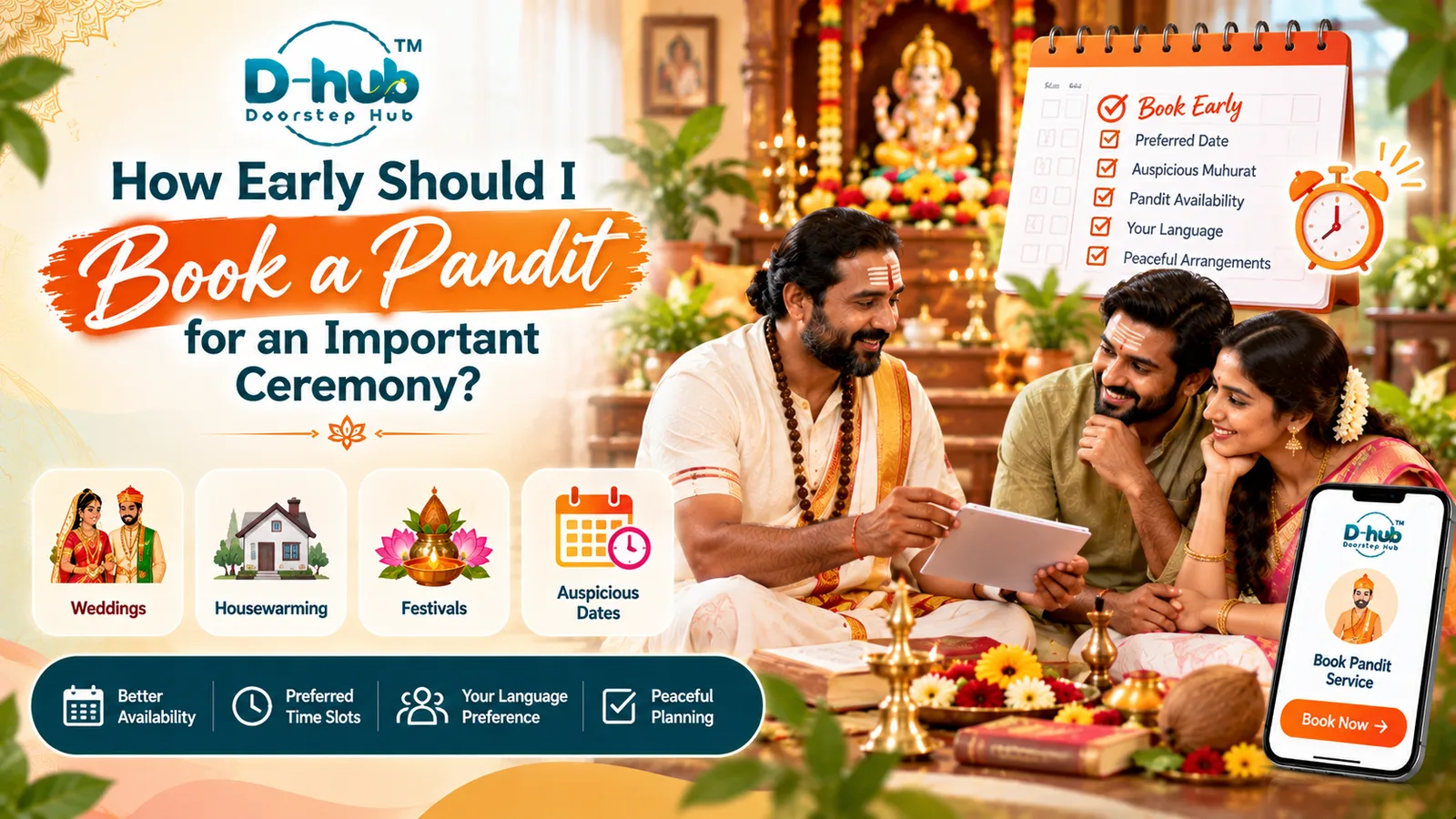
4. Confirm the Date and Time
Review the scheduled date and time and clarify any timing-related requirements.
You may need to discuss:
- Scheduled start time
- Expected arrival time
- Approximate ceremony duration
- Traditional timing requirements
- Any relevant muhurtham already selected
If the timing is important for religious or family reasons, communicate it clearly in advance.
5. Confirm the Service Location
Make sure the provider has the correct ceremony location.
Depending on the booking, this may be:
- Home
- New property
- Office
- Event venue
- Other supported location
Where necessary, provide relevant access information such as:
- Landmark
- Building or apartment details
- Entry instructions
- Parking information
Only share information that is reasonably required for the service.
6. Discuss Required Pooja Materials
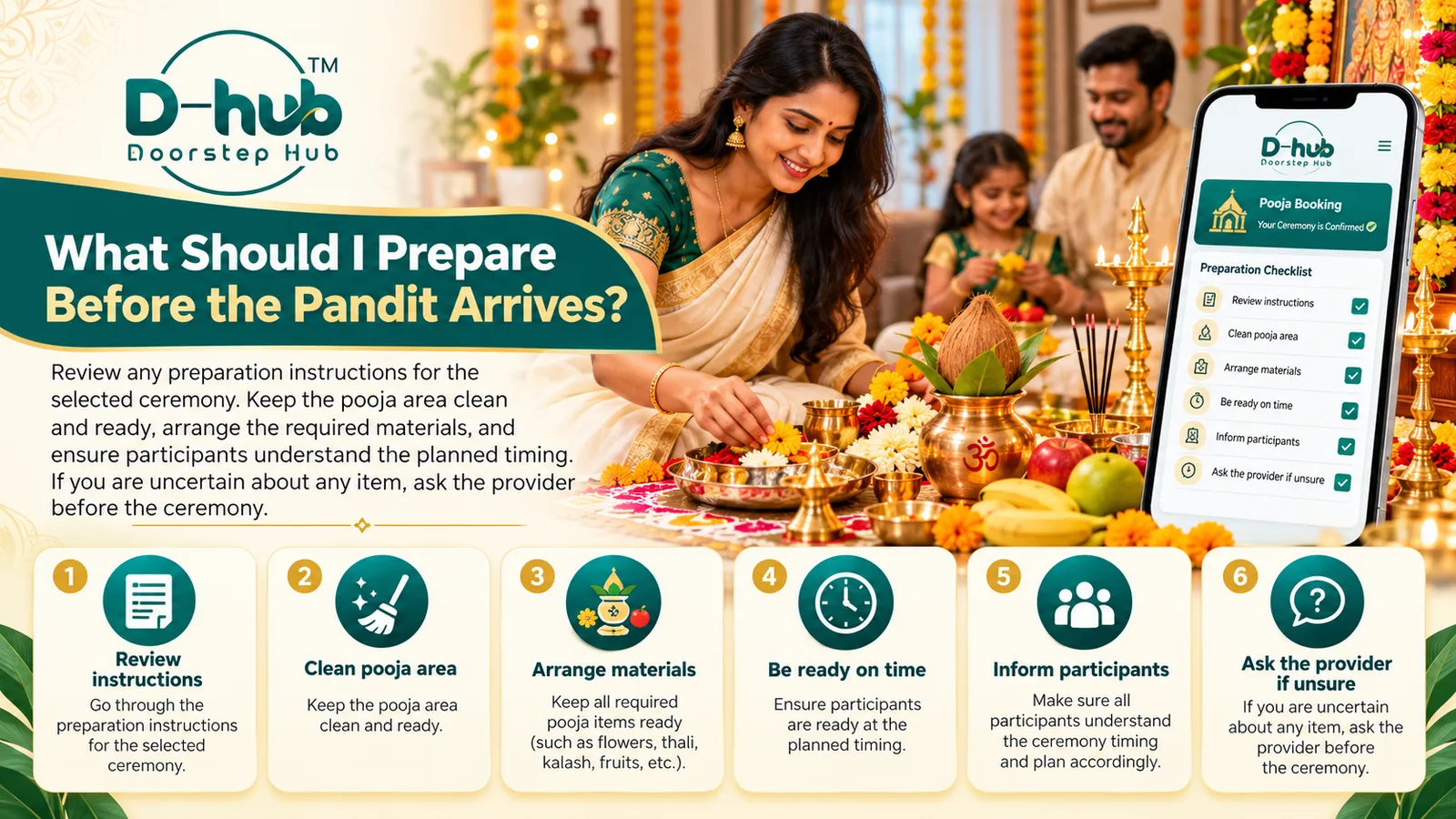
Clarify which materials are required for the selected ceremony.
You may ask about items such as:
- Flowers
- Fruits
- Coconut
- Kalash items
- Incense
- Camphor
- Lamps
- Cloth
- Sacred threads
- Other ceremony-specific samagri
The required items may vary depending on the pooja.
7. Confirm Who Will Arrange the Materials
Do not assume that all pooja materials are automatically included.
Ask whether:
- The provider will bring the materials
- You need to arrange them
- Some items are included and others are separate
- An optional materials package is available
Clear confirmation can help avoid missing or duplicate items.
8. Discuss Traditional Requirements
If your family follows specific traditions, mention them before the ceremony.
Relevant details may include:
- Specific rituals
- Language preference where available
- Family customs
- Additional ceremony steps
- Traditional sequence
Ask whether these requirements are included in the booked service.
9. Confirm the Number of Priests
For some ceremonies, more than one priest may be involved.
Where relevant, confirm:
- Number of priests included
- Whether another priest is required
- Whether an additional priest is optional
- Whether extra charges apply
This can help you prepare the ceremony and seating arrangements properly.
10. Discuss the Expected Duration
Ask about the expected duration if it is not already clear in the booking.
Knowing the approximate duration can help you plan:
- Participant availability
- Seating
- Other family arrangements
- Meals or gatherings afterward
- Venue access
Remember that actual duration may vary depending on the ceremony and circumstances.
11. Clarify Additional Arrangements
Some ceremonies may require arrangements beyond the standard booking.
These could include:
- Additional pooja materials
- Extra rituals
- Extended ceremony duration
- Additional priests
- Special setup
- Travel beyond the normal service area
Ask about availability and cost before agreeing to additional arrangements.
12. Confirm Additional Charges in Advance
If the Pandit or provider suggests an extra service or arrangement, ask whether it affects the price.
Confirm:
- What is being added
- Why it is required
- Whether it is optional
- Additional cost
- Additional duration
Do not wait until after the ceremony to clarify unexpected charges.
13. Keep Communication Focused on the Booking
Your conversation should generally remain related to the ceremony.
Useful topics include:
- Date and time
- Location
- Materials
- Ritual requirements
- Number of priests
- Preparation
- Arrival information
- Additional arrangements
Avoid sharing unnecessary personal information.
14. Never Share Your Account Password
A Pandit or service provider does not need your Doorstep Hub password to manage or perform the booked service.
Never share:
- Account passwords
- Email passwords
- Banking passwords
- Other login credentials
Keep your account credentials private.
15. Do Not Share Verification Codes
Verification codes are private security information.
Never share:
- OTPs
- Login codes
- Password-reset codes
- Payment verification codes
- Other authentication codes
Normal communication with a service provider should not require these details.
16. Be Careful With Unexpected Links
If you receive a link during the conversation, check whether it is relevant to the booking before using it.
Be cautious if an unfamiliar link asks you to:
- Log in
- Enter an OTP
- Provide banking details
- Make an unexpected payment
- Download unknown software
Avoid entering sensitive information on unfamiliar pages.
17. Keep Important Messages Available
Keep relevant communication until the ceremony is complete.
This may include messages about:
- Timing
- Materials
- Arrival
- Additional arrangements
- Price changes
- Service inclusions
These messages can help if you need to review what was agreed.
18. Contact Doorstep Hub Support When Necessary
If you cannot reach the provider or cannot resolve a booking-related issue, contact Doorstep Hub Support.
Keep useful information ready, such as:
- Booking reference
- Ceremony
- Pandit or provider
- Date
- Time
- Location
- Description of the issue
Do not include passwords, OTPs, PINs, or other sensitive authentication information when requesting support.
Why Clear Pooja Communication Matters
Good communication can help reduce confusion before the ceremony begins.
It can help you:
- Confirm the correct ceremony
- Coordinate timing
- Share the correct location
- Prepare required materials
- Clarify traditional requirements
- Understand additional arrangements
- Avoid unexpected charges
- Protect your account information
The goal is to keep the conversation useful, secure, and focused on the booked religious service.
Communicate Clearly With Your Pandit Through Doorstep Hub
After booking a pooja service through Doorstep Hub, use the available platform communication options where supported.
Discuss the ceremony requirements, timing, location, materials, participant arrangements, and other relevant service details before the scheduled appointment.
Keep the conversation focused on the booking and never share passwords, OTPs, verification codes, banking credentials, or other unnecessary sensitive information.
Need Help with Your Doorstep Hub Pooja Booking?
📞 Helpline: 8886688666
🌐 Website: doorstephub.com
📲 Download the Doorstep Hub App
Clear communication before the ceremony can help you and the provider prepare the service more smoothly.
Frequently Asked Questions
Common troubleshooting questions answered by our specialists
Was this article helpful?
Your feedback helps us improve our repair guides and service tips.